
How To Install

How To Install
- Please update to the latest version of our app for the best experience
- Click here to open url at your browser
-
Select Install to prompt the installation

-
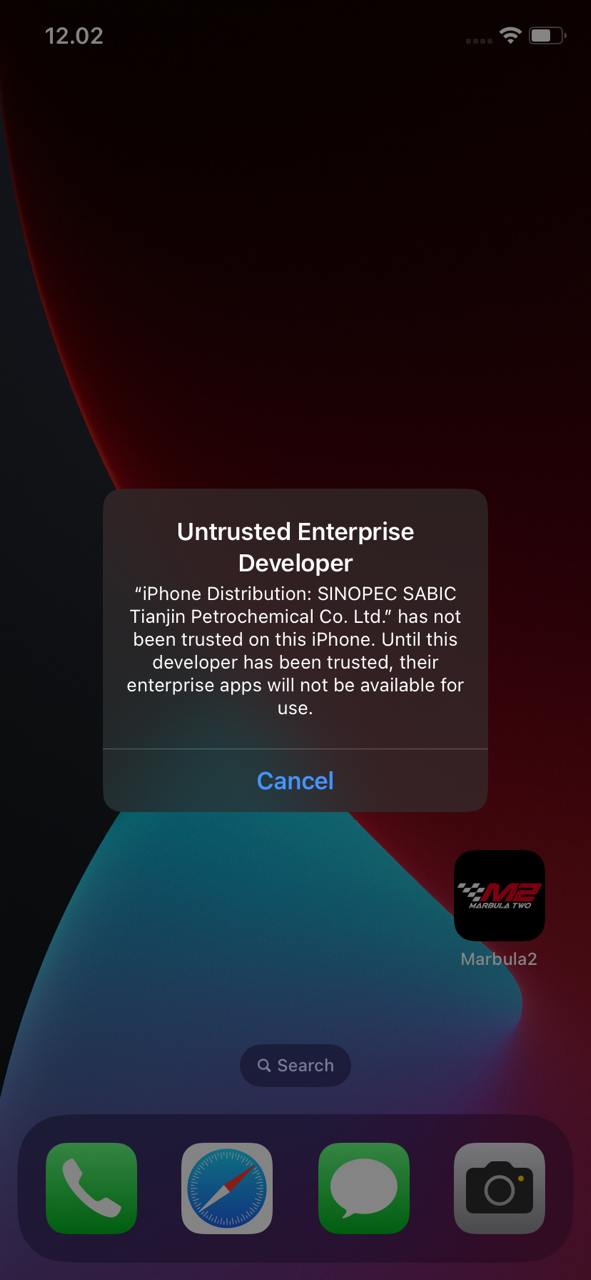
Once installed, app need to be trusted to open
-
Navigate to Setting -> General -> VPN & Device Management -> Check for the certificate and select trust

-
For iOS 18 and above, select Allow & Restart to proceed

-
Once restart completed, select install profile to complete the installation

- Marbula 2 App successfully installed, you may start play game with Marbula 2 App now


